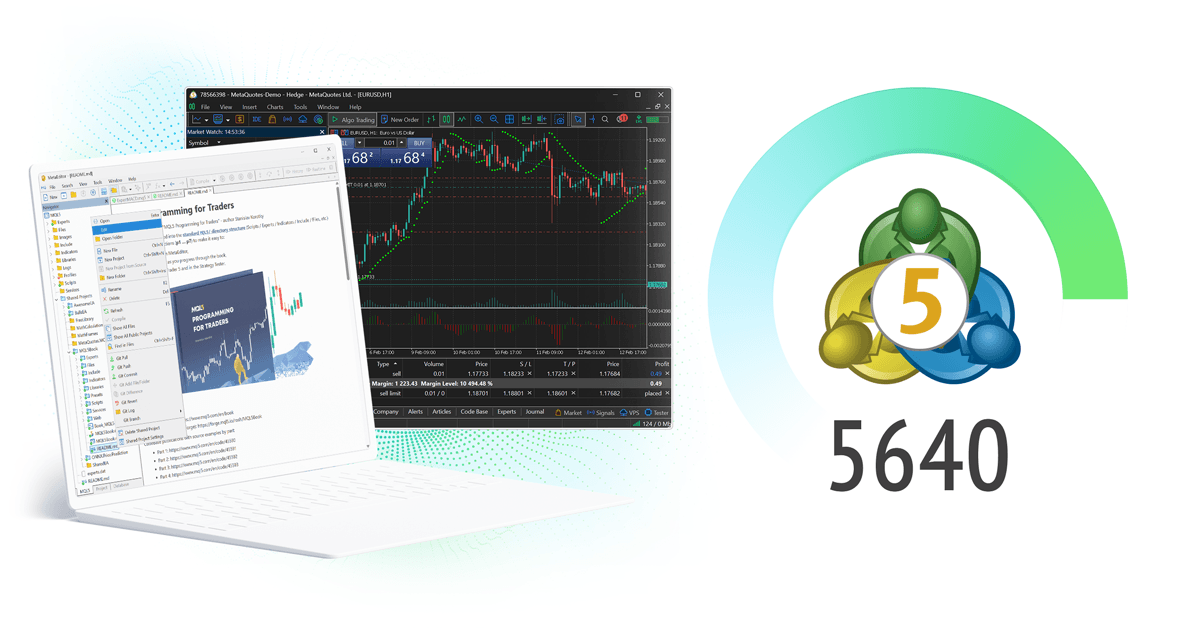
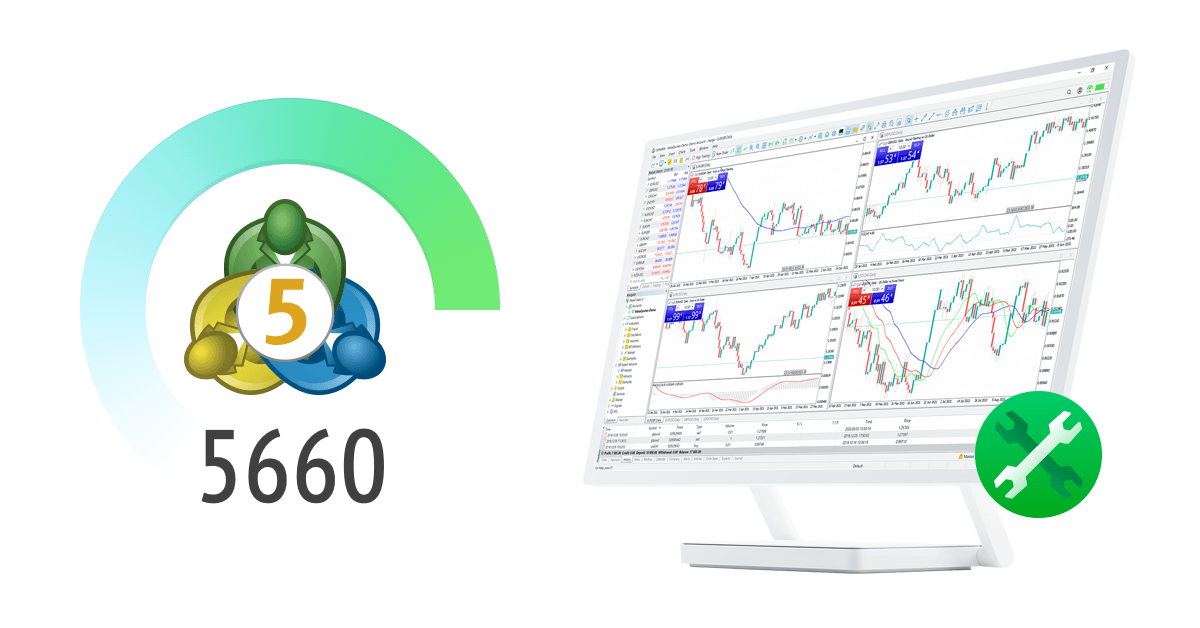
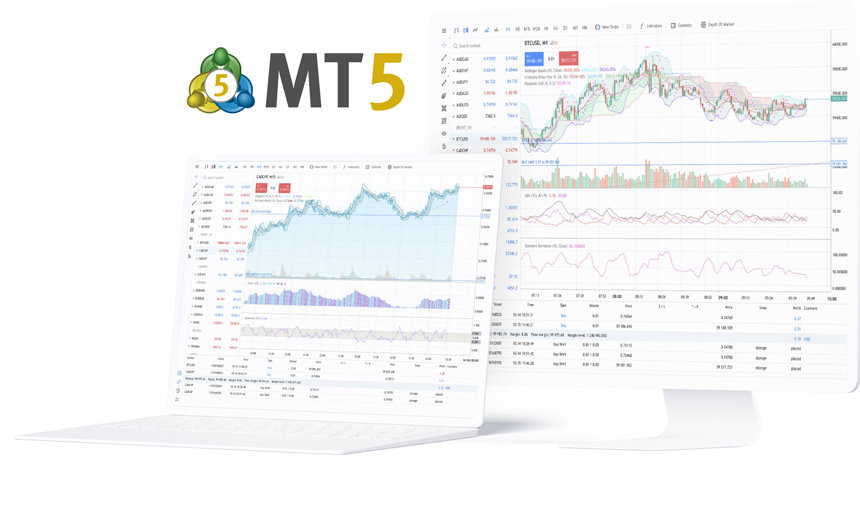
MetaTrader 5 for Forex, Stocks and Futures

A trading platform built for multi-market analysis, order execution, strategy testing and automated trading.

Available on desktop, web and mobile, with each terminal serving a different trading workflow.

Platform capabilities

A single environment for trade execution, chart work, strategy operation and cross-device access.

Multi-market trading
Forex / Stocks / Futures
One platform for monitoring prices, placing orders and managing positions.
Built for users trading across more than one market.
Actual instruments and execution conditions depend on the connected broker account.
Chart analysis
Multi-timeframe / Multi-tool
Multi-timeframe charts, drawing tools and built-in indicators support day-to-day analysis.
Templates help preserve chart layouts and repeatable workflows.
Suitable for market review, trade preparation and post-trade analysis.
Strategy operation
EA / MQL5
Supports automated strategies, historical testing and parameter optimization.
Designed for rules-based execution and repeatable processes.
Results still depend on strategy logic, market conditions and runtime environment.
Signal following
Signals
Signal subscriptions provide an additional way to follow external strategies.
Risk profile, trading frequency and historical behavior vary by provider.
Selection still requires independent judgement and risk review.
Terminal coverage
PC / Web / Mobile
Desktop is suited to deeper analysis and strategy work.
Web access is suited to quick entry from temporary environments.
Mobile is suited to monitoring, alerts and position handling on the move.
Extension services
Market / VPS
Additional resources such as indicators, strategies and virtual hosting can extend platform use.
These services support deployment and continuity, not trading judgement itself.
Best suited to users with defined operational needs.

Frequently asked questions

Common questions about platform scope, terminal selection, account connection and automated trading.

What kind of platform is MetaTrader 5?
MetaTrader 5 is a professional trading platform for multi-market use. It supports chart analysis, order execution, position management, strategy testing and automated trading. It provides the platform environment itself, not brokerage services, account issuance or investment advice.
Which markets can be traded on MetaTrader 5?
The platform can be used for forex, stocks, futures and other instruments, but actual market access depends on the broker server and account configuration connected to the terminal. Product coverage is not identical across all accounts.
How should desktop, web and mobile be used?
Desktop is generally better for chart work, strategy testing and long-session trading. Web access is useful when software installation is not practical. Mobile is designed for monitoring, alerts and position handling away from the desk. They serve different operational contexts rather than the same role.
Does MetaTrader 5 support automated trading?
Yes. The platform supports automated trading through EAs and MQL5, along with historical testing and parameter optimization. Automated execution does not guarantee performance, and outcomes remain dependent on strategy design, market conditions, account settings and runtime stability.
Why might quotes or instruments be missing after login?
The terminal must connect to a specific broker server to receive quotes and account permissions. If prices or instruments are missing, the issue is often related to server selection, account connection or symbol visibility in the watchlist rather than the platform homepage itself.

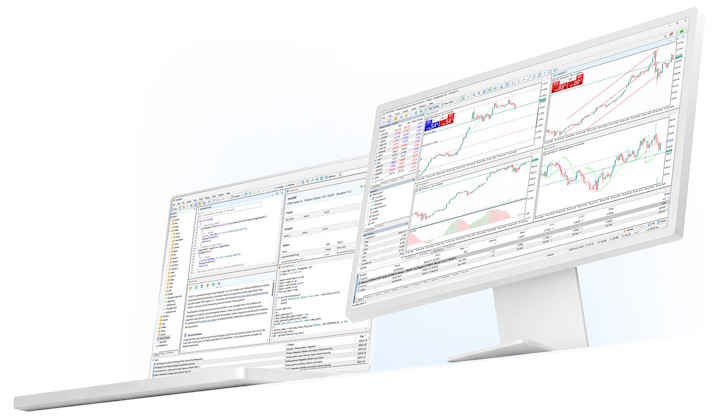
Use cases

Different workflows call for different terminals and platform functions.

The platform is better understood through how it is used, not by treating every feature as the same task.
Manual trading use case icon
Manual trading
Chart review, order placement and position handling

Suited to traders who rely on chart observation, timing decisions and active position management across desktop and mobile terminals.

Desktop / Mobile
Chart analysis use case icon
Chart analysis
Multi-timeframe review and template reuse

Suited to users who use the platform primarily as an analysis terminal, with saved layouts, repeatable chart routines and post-trade review.

Desktop-first
Automated trading use case icon
Automated trading
Strategy testing and rule-based execution

Suited to users running EAs, evaluating historical behavior and managing strategy deployment with a defined runtime setup.

Desktop / VPS
Cross-device trading use case icon
Cross-device access
Web entry and mobile monitoring

Suited to users who move between devices and need different terminals for full analysis, fast access and on-the-go position handling.

Web / Mobile