
Quick start guide
This guide defines the first-use sequence for MetaTrader 5 across desktop, web and mobile terminals.
The workflow covers terminal choice, account preparation, installation, first login and initial settings.
It is intended for users who need a clear operating order before placing trades, managing positions or configuring alerts.
Access to quotes, symbols and trading permissions begins only after connection to the broker account used for login.
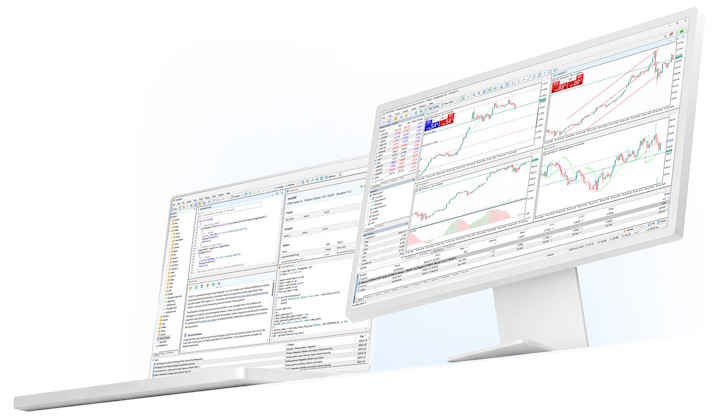
Quick start sequence
The first-use flow works best when terminal choice and login preparation are completed before installation and sign-in.
Step 1: Choose a terminal
- Windows / macOS: longer sessions, chart-heavy work and deeper terminal control
- WebTerminal: browser entry when installation is not practical
- iOS / Android: monitoring, alerts and position handling away from desk

Step 2: Prepare account access
- Prepare the broker server name, login and password in advance
- Use a demo account first if the workflow is still unfamiliar
- Multiple accounts can be added and switched inside the terminal
Installation and first launch
The setup path differs by terminal type, but each one ends with server selection, account login and first data loading.
Windows
- Open the installer from the Windows download entry.
- Complete the installation flow using the selected local path.
- Allow the terminal to finish its first-start loading tasks.
- Select the broker server and sign in with your account credentials.
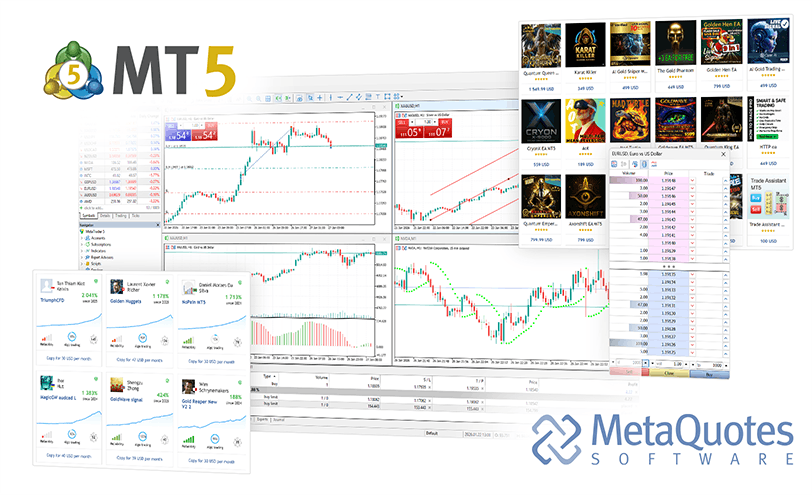
macOS
- Open the macOS package and complete the install flow.
- Approve system prompts if the device requests launch permission.
- Start the terminal and sign in to the broker server.

WebTerminal
- Open the browser entry for WebTerminal.
- Select the broker server and sign in.
- Save the access address if you need regular browser entry.
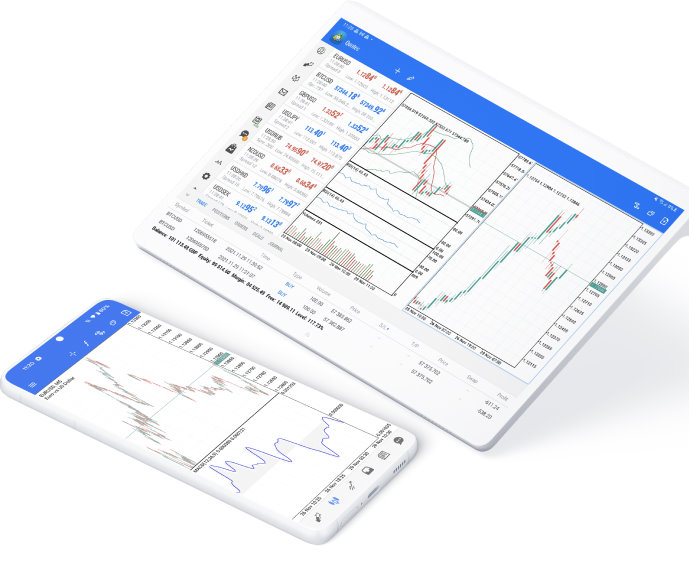
Mobile
- Install the mobile app using the matching distribution path for iOS or Android.
- Search for the broker server or choose it from the available list.
- Enable notifications and device protection settings before active use.
Initial settings
The first adjustments should reduce repeated setup work and make account access more stable in daily use.
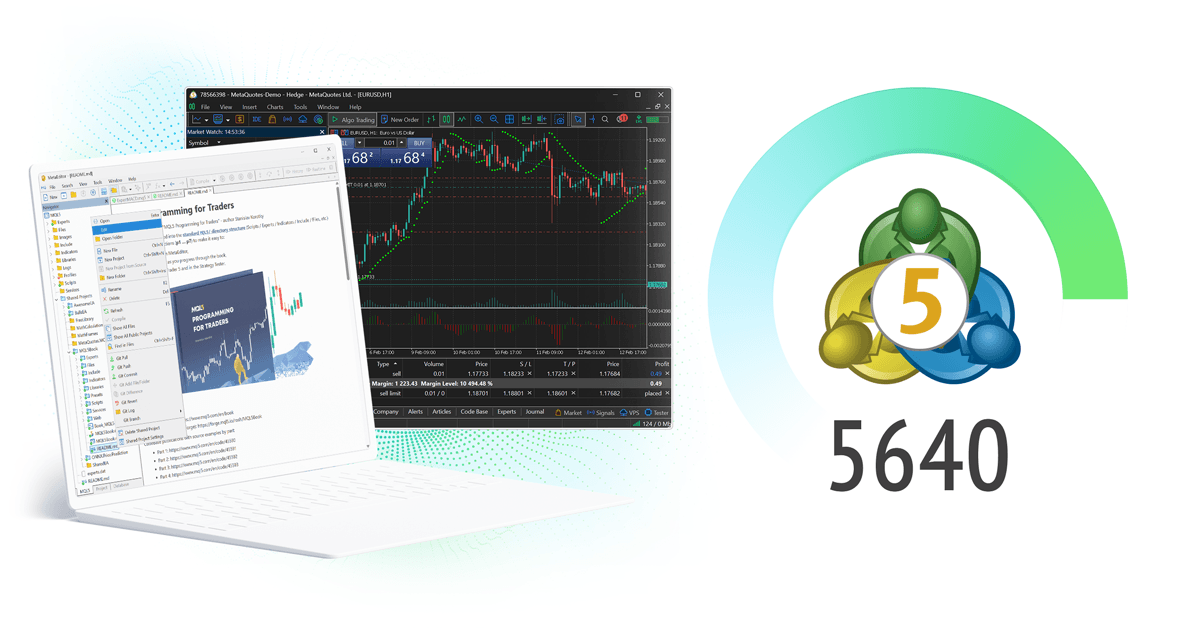
Interface and charts
- Build a watchlist with the symbols you actually follow
- Save chart templates to avoid repeated layout work
- Set preferred indicator defaults before regular use

Access and stability
- Do not keep saved credentials on shared devices
- Review device notification and lock-screen settings
- Keep logs and runtime checks if automated strategies are used
Operational checklist
This section extends the quick-start flow into a structured checklist for repeated use, multi-account access and team-level preparation.
It keeps the focus on terminal readiness, connection quality and operating order.

Step 1: Access planning
- Assign desktop, web or mobile use by operating context
- Separate demo access from live account access
- Keep server names and credential handling organized
Step 2: Entry path selection
- Use desktop installation for longer terminal sessions
- Use browser entry for temporary environments
- Use mobile access for monitoring and fast reaction
Step 3: Terminal deployment
- Finish setup before entering account credentials
- Keep local paths and multiple instances separated when needed
- Confirm terminal startup behavior before active use

Step 4: Connection checks
- Verify server selection and account status
- Confirm visible symbols and quote loading
- Check that the terminal stays stable during runtime
Step 5: Workspace setup
- Build watchlists that match actual trading activity
- Store templates for recurring chart layouts
- Set alerts and notification permissions early
Step 6: Ongoing maintenance
- Keep login access organized across accounts
- Review runtime logs when strategies or alerts are involved
- Recheck permissions and notifications after device changes
Extended setup and operating sequences should remain consistent across the terminals and accounts used in daily work.
Frequently asked questions
Questions focused on setup order, first login and initial operating conditions.