
MetaTrader 5 platform capabilities
MetaTrader 5 is a trading platform designed for multi-market use across forex, stocks and futures.
It combines chart analysis, order execution, position management, strategy operation and terminal access within one environment.
Desktop, web and mobile terminals serve different operating contexts rather than the same task.
Market coverage, execution conditions and available instruments depend on the connected broker account and server configuration.
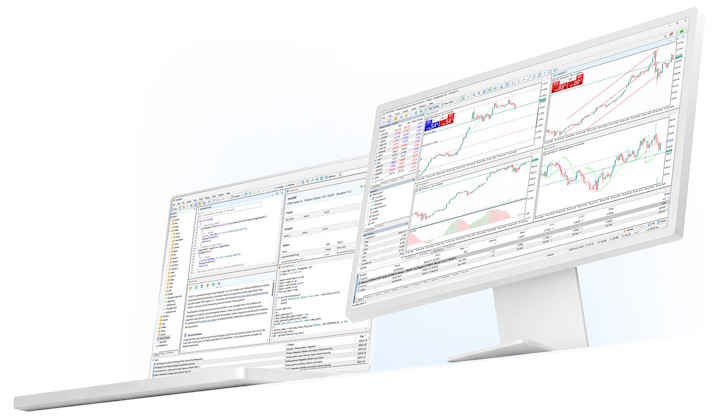
Capability modules
The platform is better understood as a set of operating modules rather than one undifferentiated feature list.
Each module serves a distinct role in analysis, execution, automation or terminal access.
Together they define how MetaTrader 5 is used across different trading workflows.
Trading system
It is suited to users who need a single workspace for quotes, trade entry and account monitoring.
- Order placement across common execution workflows
- Position, order and account status monitoring
- Fast modification and closing actions
- Multi-instrument handling within one terminal
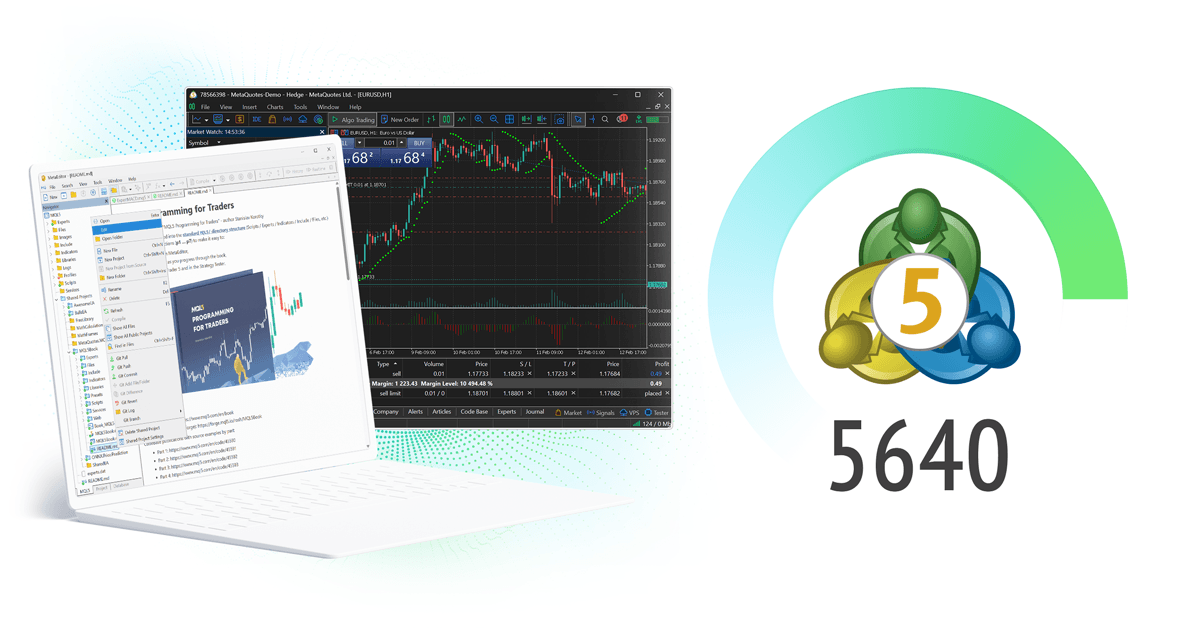
Charts & technical analysis
It is suited to trade preparation, ongoing market observation and post-trade review.
- Multiple timeframes and chart layouts
- Built-in and custom indicators
- Drawing tools for structured chart work
- Template saving for repeatable analysis setups
Market information
They complement chart work, but they do not replace independent market judgement or broker-side data conditions.
- Reference points for event-driven market review
- Supplementary context for technical analysis
- Structured observation across sessions and releases
- Useful for preparation, not a substitute for execution logic
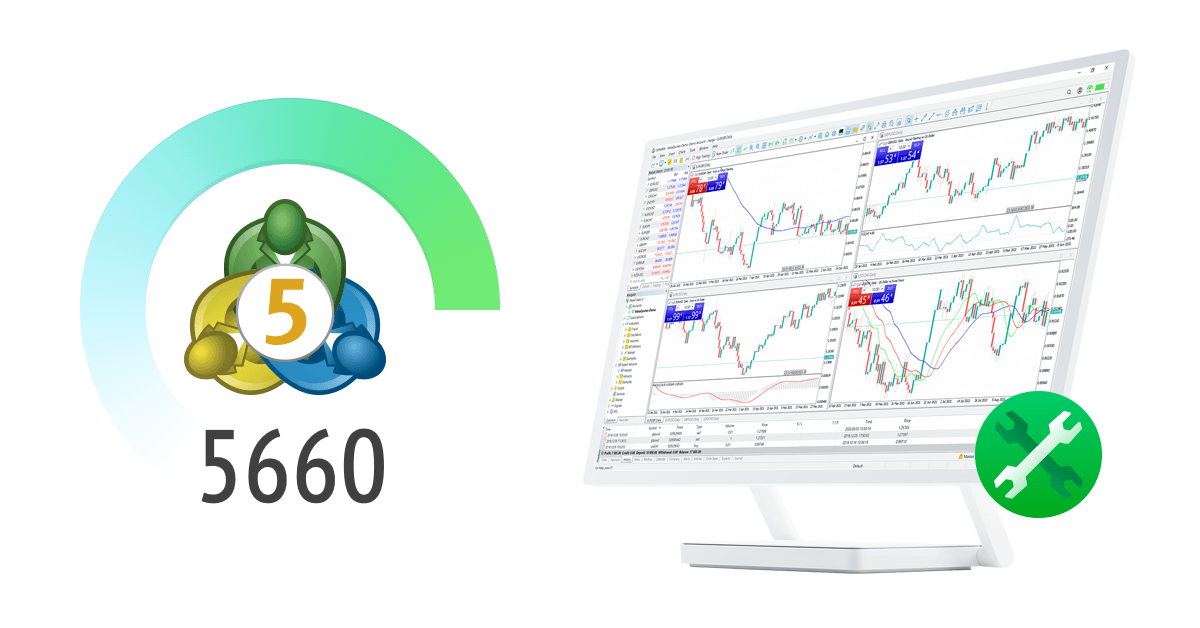
Automated trading (EA / MQL5)
It supports strategy operation, but performance remains dependent on model logic, account settings and runtime conditions.
- Strategy testing and parameter optimization
- Rule-based execution through EAs
- Logs and reports for review and troubleshooting
- Suitable for deployment with managed runtime environments
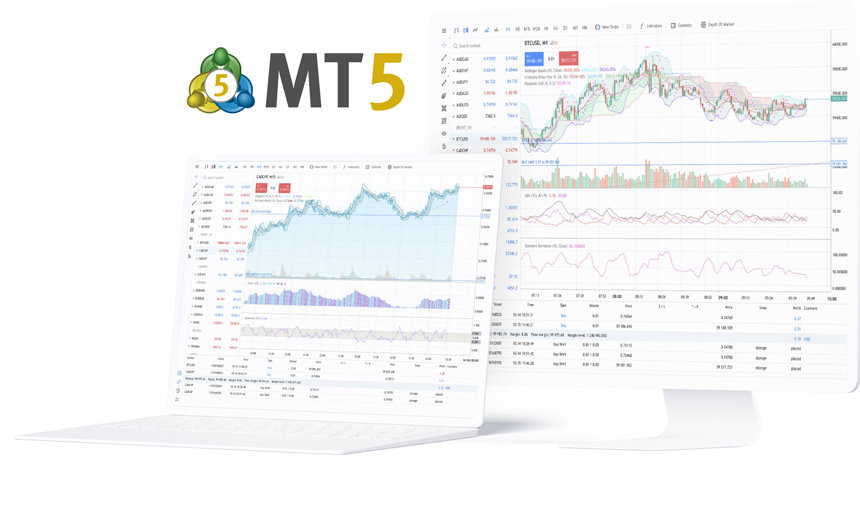
Signal services
They can extend platform use, but signal selection still requires independent review of risk, behavior and suitability.
- Signal subscription within the platform ecosystem
- Provider comparison by trading profile
- Optional alongside manual or automated trading
- Requires separate risk assessment before use
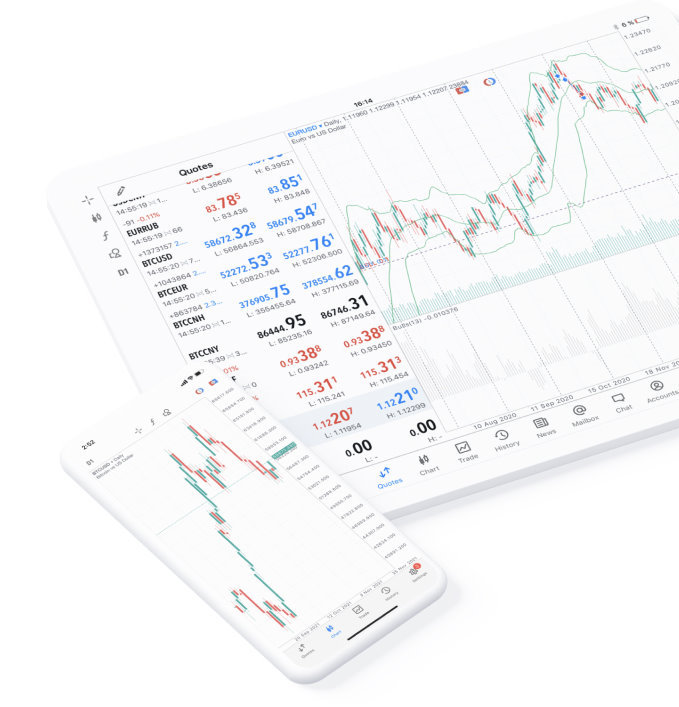
Terminal access
The choice of terminal affects workflow depth, mobility and the type of tasks performed.
- Desktop for extended analysis and strategy operation
- Web terminal for direct access without installation
- Mobile for monitoring, alerts and position handling
- Different terminals serve different execution contexts
Frequently asked questions
Questions focused on platform scope, module roles and usage boundaries.
What does MetaTrader 5 provide as a platform?
Does the platform itself determine which instruments are available?
How are the desktop, web and mobile terminals different?
What is the role of automated trading in MetaTrader 5?
Are signal services the same as managed investing?
Terminal roles
Each terminal format supports a different operating depth within the same platform.
| Terminal | Primary role | Operational focus |
|---|---|---|
| Desktop | Full-session trading and analysis | Chart work, strategy testing, detailed terminal control |
| Web terminal | Direct browser-based access | Account entry, fast review, lightweight order handling |
| iOS / Android | Mobile monitoring and response | Alerts, position handling and market follow-up away from desk |